 HDConvert Engineering Units Conversion Calculator
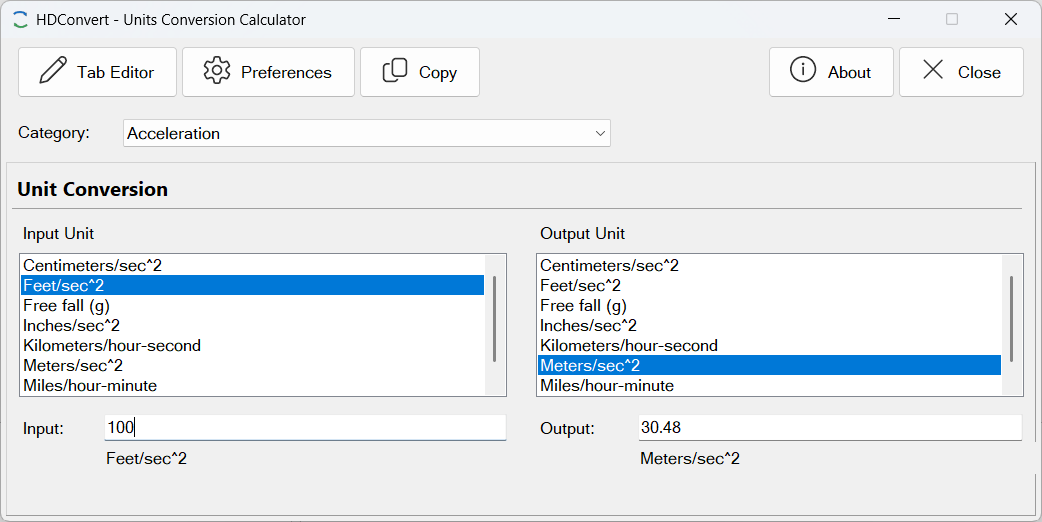
HDConvert is a fast, fully customizable desktop unit converter built for HVAC and mechanical engineering professionals. It ships with a comprehensive library of engineering unit categories — covering the quantities most commonly encountered in building systems design — and lets you add, edit, or remove categories and individual units at any time using your own conversion equations.
HDConvert goes beyond a simple lookup table. Every conversion is driven by a two-step equation engine: each unit stores its own formula to convert to and from a common base unit. This means any unit in a category can be converted to any other unit in that category in a single operation, and new units can be added simply by supplying the appropriate formula — no programming required.
Conversion is fully bidirectional: type a value into either the input or the output field and the other updates instantly. This makes it easy to work backwards from a target value without manually inverting a formula.
KEY FEATURES
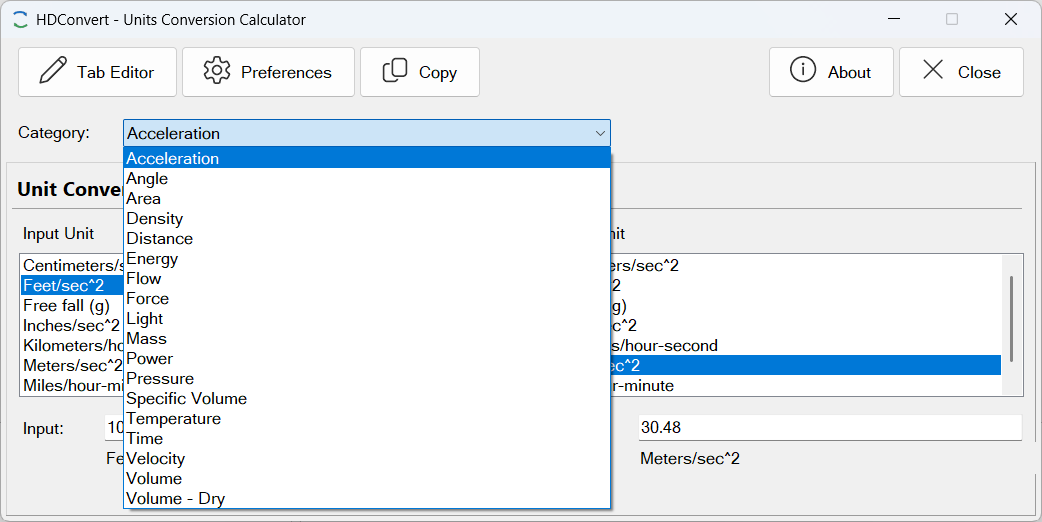
- Comprehensive built-in unit library — dozens of engineering categories covering temperature, pressure, flow rate, velocity, length, area, volume, mass, density, energy, power, heat transfer, and more; all stored in an editable database.
- Bidirectional conversion — enter a value in either the input or output field; the other field updates immediately, so you can work forward or backward through any conversion without doing anything extra.
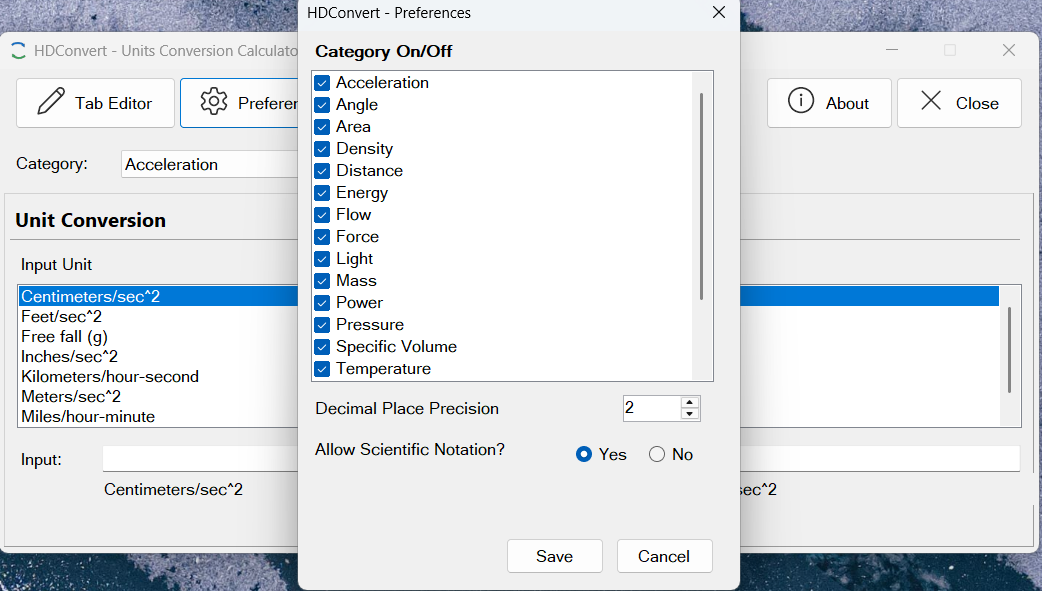
- User-customizable categories — add new conversion categories for any quantity your work requires; enable or disable existing categories to keep the selector uncluttered.
- User-customizable units — add new units to any category by
entering a plain-text equation that converts the unit to and from the category’s
base unit; arithmetic operators, parentheses, and the built-in variable
xare all supported. - Equation-based conversion engine — conversions are computed from stored algebraic equations rather than fixed factor tables, so any unit relationship — linear, affine (temperature scales), or polynomial — can be represented accurately.
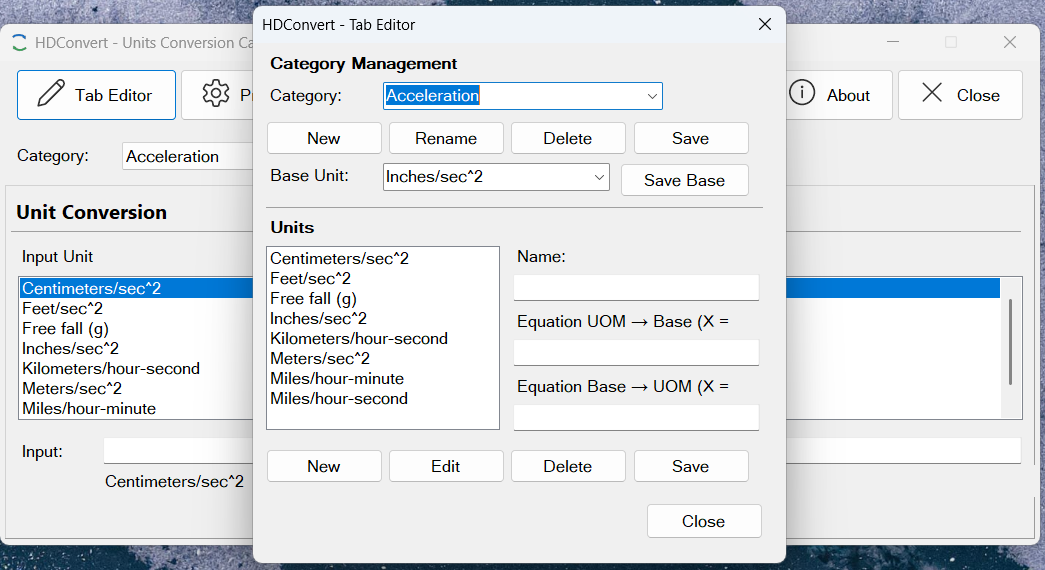
- Tab Manager — a dedicated editor for managing the full category and unit library: add, rename, or delete categories; add, edit, or remove individual units; set the base unit for each category; and toggle categories on or off without deleting them.
- Clipboard copy — exports the current input value, output value, and unit names as tab-delimited text for pasting into spreadsheets or project reports.
- Windows Calculator launch — opens the Windows Calculator directly from the toolbar for quick arithmetic without leaving the application.
HOW IT WORKS
Using HDConvert is straightforward:
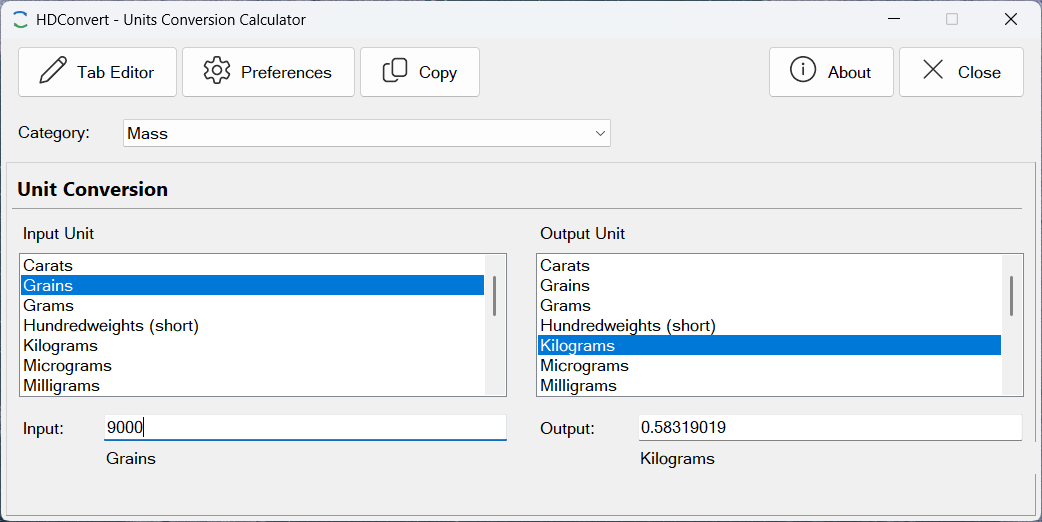
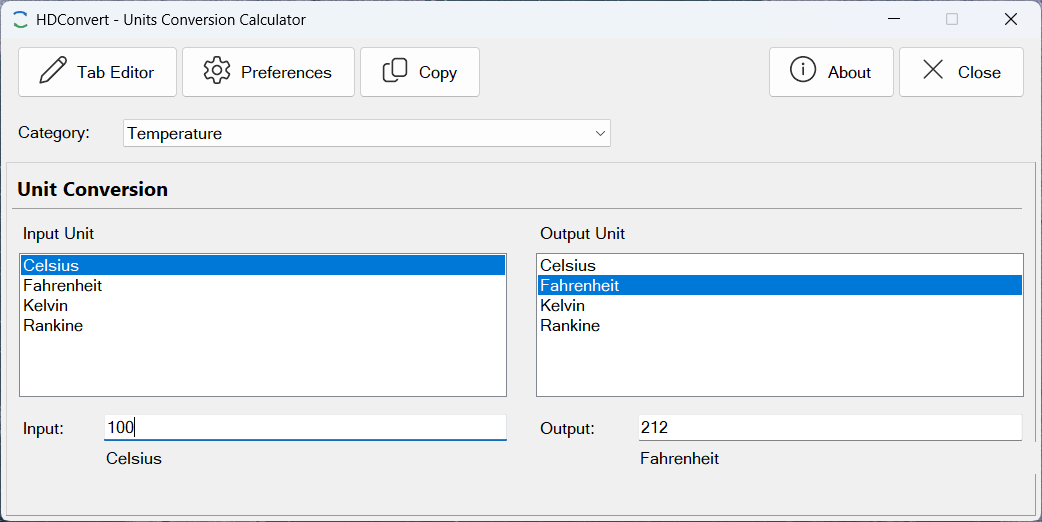
- Select a conversion category from the drop-down list (for example, Pressure, Temperature, Flow Rate, or any category you have added).
- The two unit lists populate automatically with every unit in that category. Select the input unit from the left list and the output unit from the right list.
- Type a value into either the Input or Output field. The conversion result appears instantly in the opposite field.
- Switch units or categories at any time — both fields update immediately.
CUSTOMIZING THE UNIT LIBRARY
The Tab Manager (opened from the toolbar) gives full control over the conversion database:
- Categories (Tabs) — each category corresponds to a physical quantity; you can add a category for any quantity your work requires, rename existing ones, toggle them on or off in the selector without deleting them, or delete a category and all of its units entirely.
- Units — each category can hold any number of units; adding a
unit requires only its display name and two plain-text equations: one that converts the
unit’s value to the category’s base unit, and one that converts the base
unit’s value back to this unit. For a simple scale factor (e.g., feet to inches)
the equations are just
x * 12andx / 12. Affine scales such as temperature use an expression like(x - 32) * 5 / 9. - Base Unit — each category designates one unit as its base; all other units in the category store equations relative to it. Changing the base unit requires updating the equations for the other units accordingly.

System Requirements
- Windows 10 or Windows 11
- .NET 8 Runtime (included in installer)
- 50 MB disk space